How to Transfer Crypto to a Ledger from Coinbase, Binance or Kraken
Move coins off an exchange and onto your Ledger safely - choosing the right network, verifying the address on the device, the test-transaction rule, and the mistakes that lose funds permanently.
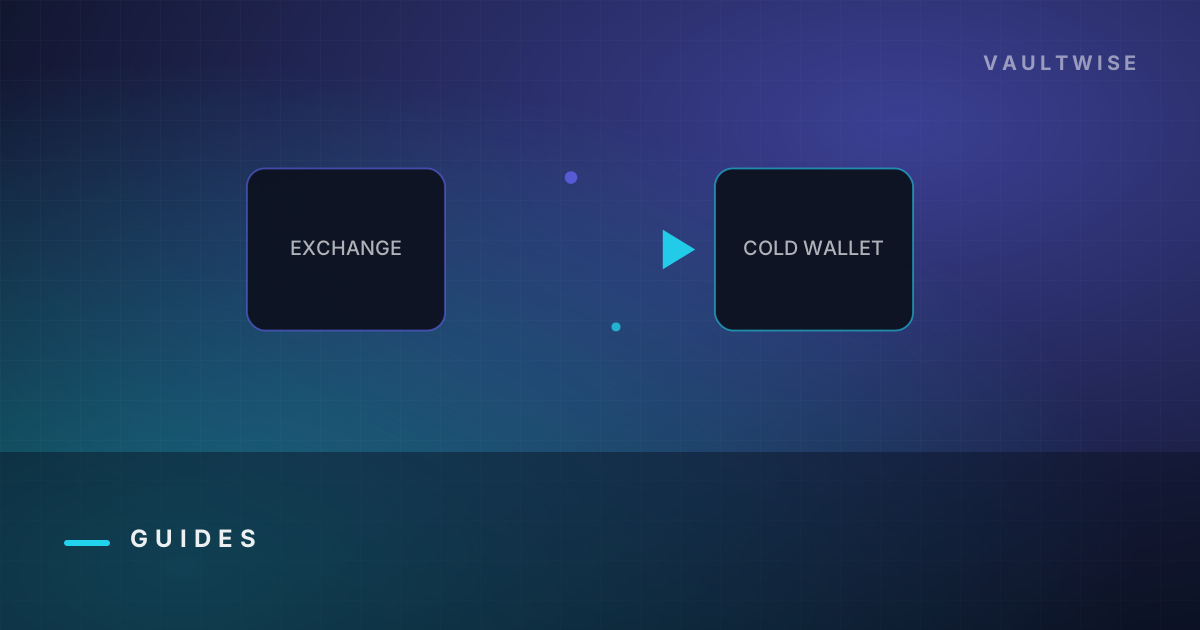
Moving crypto from an exchange to your own hardware wallet is the moment you actually take custody. It is also the moment with the most permanent ways to go wrong: wrong network, wrong address, wrong asset. None of them are reversible.
The process is the same on Coinbase, Binance, Kraken, Bybit or anywhere else. Do it in this order and the risky parts get boring.
Step 1 - Prepare the receiving account#
In Ledger Live, make sure you have an account for the exact asset you are withdrawing. Install the coin app first if needed - see the Ledger Live guide.
If you are receiving an ERC-20 token (USDC, LINK, most things on Ethereum), you need an Ethereum account, not a token-specific one. Tokens live at your ETH address.
Step 2 - Get the address, and verify it on the device#
Click Receive, select the account, and Ledger Live displays an address while your device displays the same address.
Compare them. At minimum the first six and last six characters; ideally the whole string. Then approve on the device.
This step is not ceremony. Clipboard-hijacking malware silently replaces copied crypto addresses with an attacker's, and it is common. Your computer's screen can be lying to you. The device screen is the only display in the chain that malware cannot repaint.
Step 3 - Get the network right#
This is where funds actually disappear.
The same asset exists on many networks, and an address on one chain is meaningless on another. Sending USDC over BNB Smart Chain to an address you only control on Ethereum can leave the funds unreachable without advanced recovery - and sometimes with no recovery at all.
| Withdrawing | Choose the network |
|---|---|
| BTC | Bitcoin |
| ETH or ERC-20 tokens | Ethereum (ERC20) |
| USDC / USDT | The exact chain your Ledger account is on - Ethereum, Solana, Polygon, Arbitrum, Base, Tron... they are not interchangeable |
| SOL and SPL tokens | Solana |
| Assets on an L2 | The specific L2 (Arbitrum One, Base, Optimism...) |
Rule of thumb: the network dropdown on the exchange must name the same chain as the Ledger Live account you copied the address from. If you are unsure, stop and check.
Step 4 - Send a test transaction#
Withdraw a small amount first - ten or twenty dollars' worth, or the exchange's minimum.
Wait for it to appear in Ledger Live and to confirm on-chain. Only then send the rest.
Yes, you pay the fee twice. That fee is the cheapest insurance available in this entire hobby, and experienced people skip it exactly once.
Step 5 - Send the rest#
Paste the address again fresh from Ledger Live (do not reuse a copy that has been sitting in your clipboard), confirm the network, and withdraw.
Expect the exchange to require 2FA, and possibly a 24-48 hour hold on a newly whitelisted withdrawal address. That delay is a security feature, not a fault.
Exchange-specific notes#
Coinbase. Withdraw via Send, choose the asset, paste the address, and pick the network carefully - Coinbase supports several. Coinbase also offers its own layer 2 (Base); make sure your Ledger account matches if you use it.
Binance. Withdraw → Crypto, select coin, paste address, then the network dropdown. Binance defaults to BNB Smart Chain (BEP20) for some assets, which is the single most common cause of a lost transfer. Change it to the correct chain deliberately, every time.
Kraken. Addresses must usually be added and named first, and new addresses may face a short hold. Kraken's network naming is clear, which makes it one of the harder exchanges to get wrong.
Any exchange. Whitelist the address once and reuse the saved entry, rather than pasting it fresh each time - it removes a paste-hijack opportunity, though you should still check the device screen on receive.
After it arrives#
- Confirm the balance in Ledger Live, and if you like, look up the address on a block explorer for a second opinion.
- Do not immediately connect this wallet to dApps. Keep a separate hot wallet for that - see scams and drainers.
- If this is a new wallet, make sure you have already done the wipe-and-restore drill from the setup guide. Never let a wallet hold serious money on an untested backup.
Common failures and what they mean#
| Symptom | What happened | Can you fix it? |
|---|---|---|
| Funds not showing after 30 min | Chain congestion, or the exchange has not broadcast yet | Wait, then check the tx hash on an explorer |
| Sent on the wrong EVM chain | Same address exists on both chains | Usually recoverable - add the other network in a wallet like Rabby or MetaMask and access the funds at the same address |
| Sent BTC to an ETH address (or similar) | Different address formats entirely | Almost never recoverable |
| Sent to an exchange-internal network | Non-public rail | Not recoverable - contact the exchange, expect nothing |
| Token not visible but tx confirmed | Ledger Live does not display that token yet | Add it manually, or view via MetaMask/Rabby with the device |
| Wrong memo/tag (XRP, XLM, ATOM) | Destination needs a tag | Contact the receiving party immediately - possible but painful |
Reverse direction: Ledger to exchange#
Same discipline, mirrored. Copy the deposit address from the exchange, paste into Ledger Live, and verify on the device screen before confirming. Match the network. Test first if the amount is large.
FAQ#
How long does a transfer from an exchange to a Ledger take?#
Usually minutes. The exchange's internal processing is often the slowest part - some hold withdrawals for a period after a new address is added. On-chain confirmation is typically seconds to an hour depending on the network.
What happens if I send crypto on the wrong network?#
It depends. Between two EVM chains, the funds usually sit at the same address on the other chain and can be recovered by adding that network in a compatible wallet. Between fundamentally different chains, or via an exchange-internal network, the funds are usually gone permanently.
Do I pay a fee to move crypto to my Ledger?#
Yes - the exchange charges a withdrawal fee and/or you pay the network fee. It varies enormously by chain, which is one reason to consolidate into fewer, larger transfers rather than many small ones (after your test).
Should I keep some crypto on the exchange?#
Only what you are actively trading. Everything you intend to hold belongs in self-custody, because an exchange balance is a claim against a company rather than an asset you control.
Why does my balance show as zero after transferring?#
Almost always a display issue rather than a lost transfer: wrong account, wrong derivation path, or an unsupported token. Look up your address on a block explorer - if the funds are there, it is a wallet-software problem, not a loss.
Disclosure. Some links on this site may be affiliate links. If you buy through them we may earn a commission at no extra cost to you. It never changes our verdict — we say when a product is a bad fit. Vaultwise is an independent publication. We are not affiliated with, endorsed by, or sponsored by Ledger SAS, Trezor/SatoshiLabs, or any wallet manufacturer. Product names and trademarks belong to their respective owners.
Keep reading
How to Set Up a Ledger Wallet - Complete Step-by-Step Guide
Set up a new Ledger Nano, Flex or Stax correctly the first time - unboxing checks, PIN, the 24 words, genuine-device verification, and the first transfer test that catches mistakes before they cost you.
Targets: how to set up a ledger wallet
Ledger Live Guide - Download, Setup and Every Feature Explained
How to download Ledger Live safely, install coin apps, add accounts, send and receive, update firmware, and which built-in features are worth using versus which ones quietly cost you money.
Targets: ledger live download and setup
How to Connect a Ledger to MetaMask (and Why You Should)
Step-by-step setup for using a Ledger with MetaMask or Rabby, how blind signing really works, which account path to pick, and how to keep DeFi activity from putting your savings at risk.
Targets: connect ledger to metamask
Get the self-custody checklist
One email a month: new scam patterns, firmware notes worth reading, and the mistakes that actually cost people money. No token shilling, ever.
Replace the form action with your own Formspree / ConvertKit / Buttondown endpoint in src/layout.mjs.